Grok Imagine 1.5 最有用的方式,是把它當作影像轉影片(image-to-video)系統來使用:先建立一張強而有力的靜態圖片,再用有方向的動作去讓那張圖動起來。乾淨的關鍵影格(key frame)能為影片模型提供穩定的主體、構圖、打光風格與視覺目標。這也是為什麼實用的創作者工作流程會先從可免費產生靜態圖的 Grok Image Generator 開始,接著再轉到 Flaq AI 上的 Grok Imagine 1.5 影像轉影片 API 來做可重複的動畫生成。
本指南會說明如何建立適合做影片的關鍵影格、如何撰寫 Grok Imagine 1.5 的影像轉影片提示詞(prompt)、開發者如何使用 Flaq AI 的 API,以及哪些使用情境最適合這套流程。
為什麼創作者都在搜尋 Grok Imagine 1.5
創作者搜尋 Grok Imagine 1.5,是因為他們想用更快的方法,把靜態圖片變成短影片片段。最強的使用方式不是用一段提示詞就從零發明所有內容;而是先做出乾淨的產品照、角色圖、海報畫面、社群視覺或電影感關鍵影格,再用可控的動作把這張圖動起來。
這對社群媒體管理者、電商賣家、產品行銷人、UGC 廣告投放者、設計師、提示詞寫手、代理商、獨立創作者與 App 開發者特別有用。靜態圖比影片草稿更容易判斷:你可以在花時間做動畫之前,先檢查主體輪廓、臉部一致性、產品可讀性、背景清晰度與構圖。
簡單的建議是:用 Grok Image Generator 生成靜態圖,當你需要影像轉影片 API 輸出時,再到 Flaq AI 使用 Grok Imagine 1.5。

Grok Imagine 1.5 在影像轉影片創作上能做什麼
Grok Imagine 1.5 會把一張參考圖片轉成一段動態片段。實務上,圖片會作為起始畫格,而提示詞則控制鏡頭運動、主體動作、氛圍、時長與輸出方向。
這讓 Grok Imagine Video 1.5 更適合做影像動畫,而不是泛用的文字轉影片工作。你可以在保留產品外形、角色臉、服裝、光線方向、構圖或海報版式的同時,加入如慢速推近、環繞鏡頭、視差景深、布料飄動、蒸氣、雨、發光或薄霧等動態。
最佳結果通常來自清楚的限制條件:先說什麼必須保持穩定,再說什麼需要移動。這能讓片段更貼近原圖,並減少不必要的視覺漂移。

為什麼 Grok Image Generator 是最佳的靜態圖起點
Grok Image Generator 是一個務實的起點,因為它專注於免費、瀏覽器端的靜態圖生成。你可以先用它做產品視覺、角色概念、海報畫面、社群圖片、電商商品照與視覺點子,再進行動畫。
該網站也提供創作者相關的靜態圖片工具,包括 Grok 4 AI Image Generator、Free Nano Banana AI、Free GPT Image 2、以及 Free Image Upscaler。這些工具很適合準備階段:先生成幾張靜態圖,挑選最強的關鍵影格,必要時先放大,再把最終圖片送進影像轉影片流程。
對新手來說,這種拆分很有幫助。你不是在修一支很糟的影片結果,而是先把靜態影格做好。

如何用 Grok Image Generator 建立可用於影片的關鍵影格
一張可用於影片的關鍵影格應該乾淨、穩定且容易動畫化。它應該有一個清楚的主體、可辨識的剪影、簡單的背景分離、一致的打光,以及足夠的視覺深度以利運動。
使用以下關鍵影格提示詞公式:
Create a [type of still image] that can be used as a video start frame. Subject: [main subject]. Setting: [environment]. Composition: [close-up / medium shot / wide shot / product hero shot / poster frame]. Lighting: [cinematic / studio / neon / golden hour / soft daylight]. Style: [photorealistic / anime / editorial / product ad / fantasy / sci-fi / cinematic]. Details to keep stable: [face / product shape / outfit / pose / color palette / background]. Keep the image clean, readable, uncluttered, and suitable for later animation.
在開始動畫之前,先選擇問題最少的圖片。產品照需要外形穩定與標籤留白。角色照需要清楚的臉與一致的服裝。海報畫面需要可讀的中心主體,以及能承受視差運動的構圖。

為什麼 Flaq AI 的 Grok Imagine 1.5 API 是進階工作流程
Flaq AI 上的 Grok Imagine 1.5 影像轉影片 API 是適合開發者、代理商、電商團隊、產品團隊、行銷人與需要可重複 API 生成的創作者的進階工作流程。它比起手動一次性的測試,更適合用於正式產線流程。
當你想把參考圖片、提示詞、時長與解析度送進 API 任務,取得 task ID,輪詢(poll)直到完成,並儲存生成的影片 URL 時,就使用 Flaq AI。平台同時也提供更廣泛的 Image to Video、Text to Image、以及 Image to Image 路徑,用於準備與測試創意素材。
總結來說:Grok Image Generator 最適合免費靜態圖構想;當影像轉影片階段需要自動化、追蹤與可重複性時,Flaq AI 最合適。

Grok Imagine 1.5 影像轉影片提示詞如何運作
好的 Grok Imagine 1.5 提示詞,從「保護參考圖片」開始。先說要保留什麼,再描述動作。
使用以下可重用的影像轉影片公式:
Use this image as the starting frame. Preserve [subject identity / product shape / outfit / pose / composition / color palette / lighting / material texture]. Add [camera movement], [subject motion], [background motion], and [atmosphere]. Keep motion natural, stable, and consistent with the original image. Output should be [duration] at [resolution] for [TikTok / Reels / Shorts / YouTube / product page / ad / storyboard].
用於產品動作:
Use this product image as the starting frame. Preserve product shape, label area, material, color, and lighting. Add a slow camera push-in, subtle reflection movement, soft environmental motion, and premium ad pacing. Keep the product sharp and centered with clean background separation.
用於角色揭示:
Use this character image as the starting frame. Preserve face, outfit, pose, hairstyle, and lighting. Add subtle breathing, cloth movement, hair motion, atmospheric particles, and a slow cinematic push-in. Keep the character consistent with no morphing.
用於海報動畫:
Use this poster image as the starting frame. Preserve the central subject, color palette, and overall composition. Add slow parallax depth, light movement, drifting particles, and a controlled camera move. Keep text areas stable and avoid excessive deformation.

新手友善的 Flaq AI API 工作流程
當你把它視為任務管線時,Flaq AI Grok Imagine 1.5 API 的流程就很簡單:準備乾淨圖片、搭配動作提示詞送出、取得 task ID,然後持續查詢任務直到影片完成。
基本步驟:
- 準備乾淨的參考圖片。
- 上傳或託管圖片,讓它可作為
image_url使用。 - 將提示詞、圖片 URL、時長與解析度送到 Flaq AI 的影片任務端點。
- 取得 task ID。
- 輪詢任務端點直到影片就緒。
- 下載或儲存生成的影片 URL。
- 在擴大到正式產線前,先測試多個短提示詞。
可用來規劃的 API 欄位示例:
{
  "model_name": "grok-imagine-v1.5-image-to-video",
  "prompt": "Slow cinematic push-in, subtle subject movement, preserve original lighting and composition",
  "image_url": "https://example.com/reference.jpg",
  "duration": 10,
  "resolution": "720p"
}
初期測試時,請把時長保持短、提示詞保持克制。先測試主體保留,再測試鏡頭運動,最後測試氛圍。

Grok Imagine 1.5 影像動畫的最佳使用情境
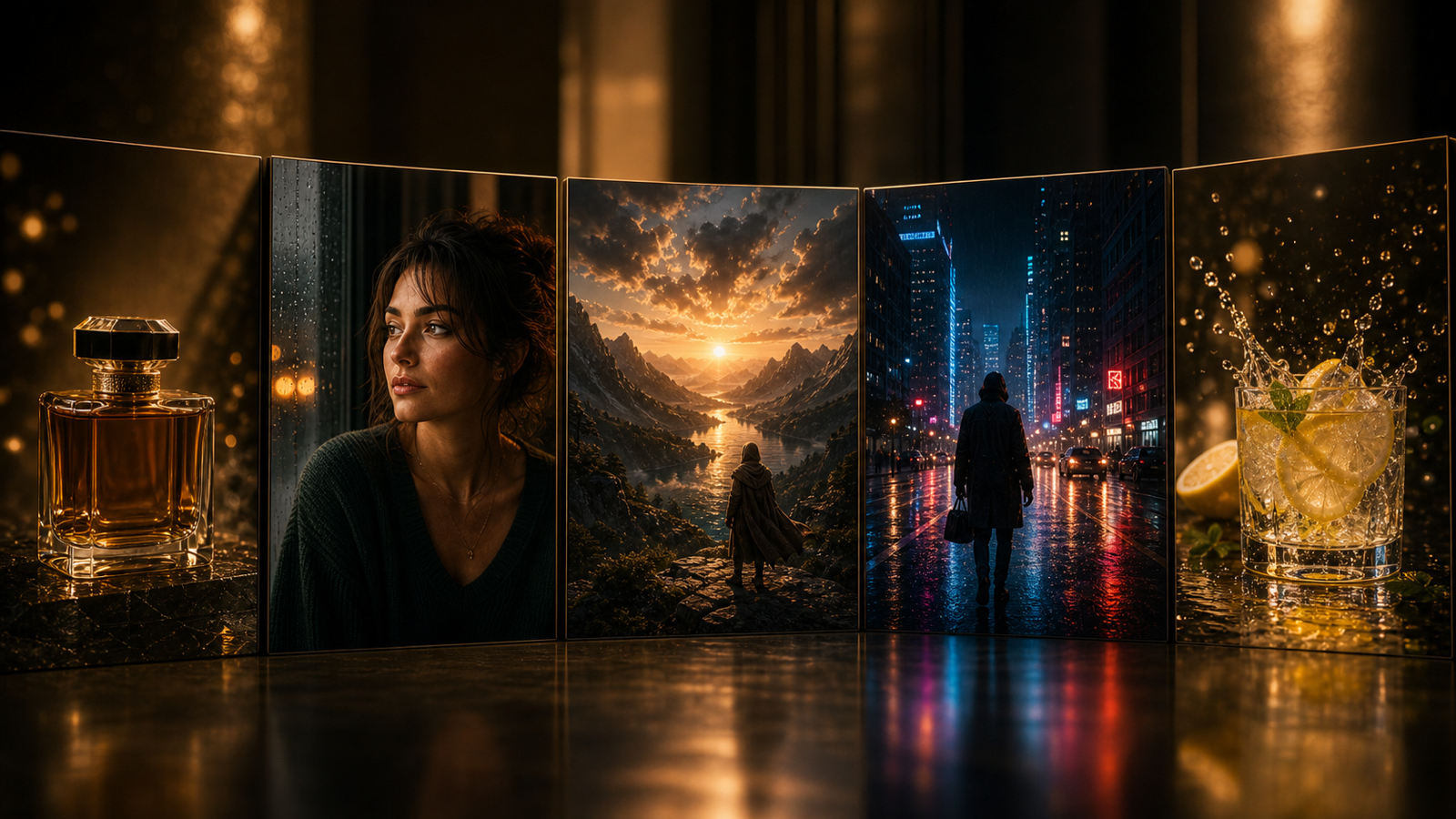
當起始圖片有明確的視覺任務時,Grok Imagine 1.5 表現最好。產品圖片、社群短片、電影感人像、角色揭示、海報動畫、分鏡、電商動態素材與短廣告,都能從「先影像、後動態」的方式受益。
可用於:
- 產品影片:慢推近、旋轉、掃光、反射變化與高級廣告節奏。
- 社群短片:海報畫面、關鍵視覺、角色反應,以及 TikTok、Reels 或 Shorts 的循環動作。
- 電影感人像:細微呼吸、髮絲動、布料動、粒子與光線變化。
- 電商視覺:商品頁動態素材、主視覺片段、賣點標註與 UGC 風格開場。
- 分鏡:把多張靜態影格先測成短動畫鏡頭,再進入更長的剪輯。
使用情境越具體,就越容易判斷結果好不好。

可直接複製的提示詞範例
這些提示詞為兩階段流程設計:先建立靜態圖,再讓它動起來。
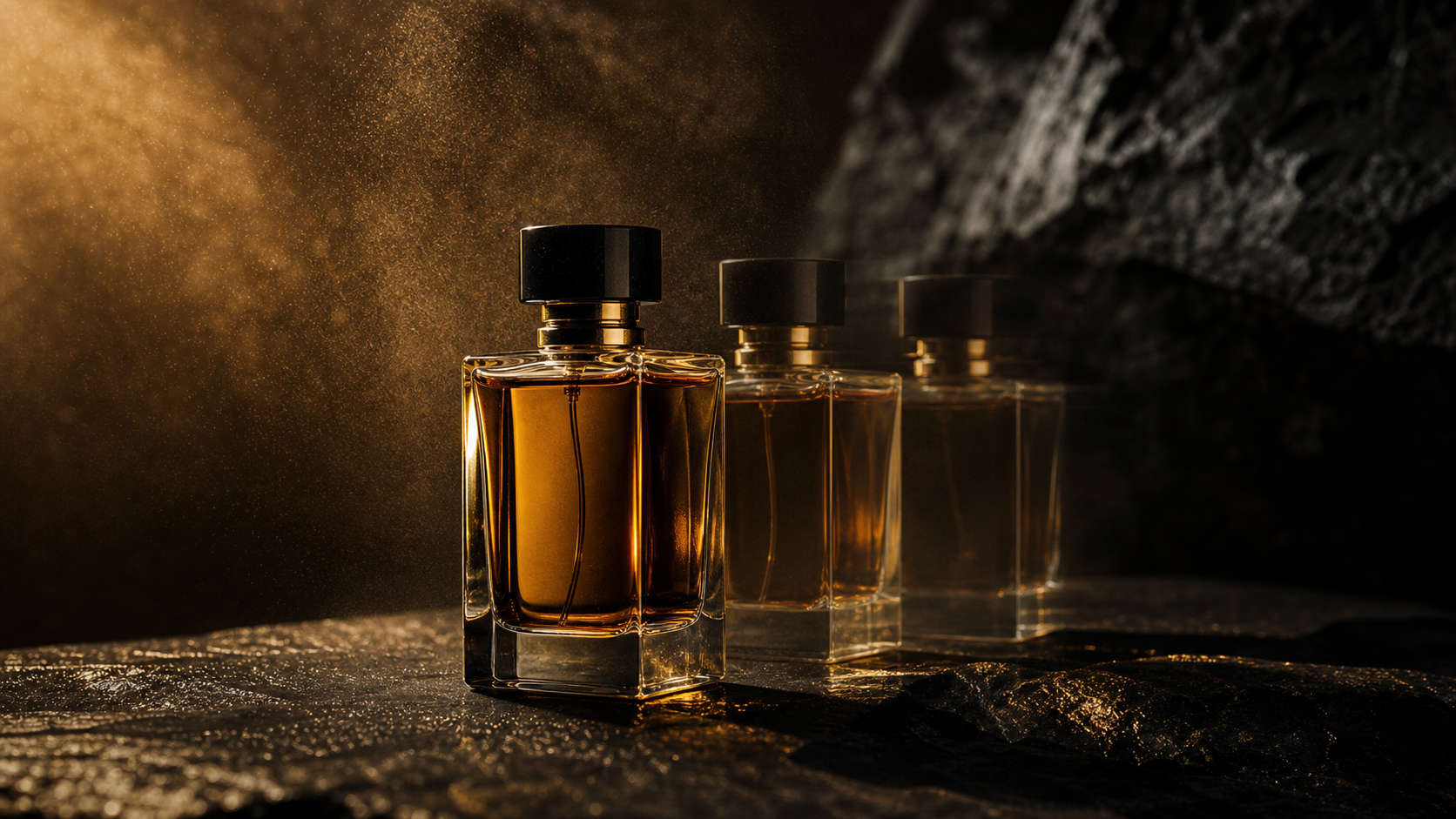
- Create a cinematic product key frame of a luxury perfume bottle on a dark reflective surface. Soft rim light, subtle mist, premium black-and-gold mood, clean background, 16:9.
- Use this perfume bottle image as the starting frame. Preserve the bottle shape, label, cap, and reflection. Add a slow camera push-in, gentle mist movement, and soft light sweep across the glass, 10 seconds, 720p.
- Create a fantasy knight portrait as a video-ready still frame. Moonlit armor, clear face, dramatic cloak, simple dark background, cinematic composition, high detail, 16:9.
- Use this knight portrait as the start frame. Add subtle breathing, hair movement, cloak flutter, moonlight shimmer, and slow handheld push-in. Keep face and armor details consistent.
- Create a social ad key frame for wireless earbuds. Product floating above a glossy surface, clean background, soft reflections, modern tech mood, blank headline space, 4:5.
- Use this wireless earbuds image as the starting frame. Preserve product design and reflections. Add a slow orbit camera move, subtle glow, and polished ad-style movement.
- Create a cinematic food key frame of a steaming ramen bowl on a wooden table. Warm restaurant lighting, shallow depth of field, appetizing steam, clean composition.
- Use this food image as the start frame. Add gentle steam movement, slight camera push-in, warm light flicker, and subtle background blur. Keep the bowl shape stable.
- Create a travel poster-style key frame of a rainy neon street at night. Reflections, cinematic depth, simple composition, one clear subject, 9:16.
- Use this rainy street image as the starting frame. Add neon flicker, rain movement, light reflection changes, and a slow forward camera drift.
- Create three free Grok image key frames for the same product: studio hero shot, lifestyle ad shot, and cinematic dark-background shot. Keep the product consistent across all three.
- Test the same start frame with three Grok Imagine 1.5 prompts: subtle motion, strong camera movement, and atmospheric motion. Compare subject preservation, motion quality, pacing, and final use case.
把靜態圖與提示詞成對保存。這會給你一份可重複使用的紀錄,方便之後做 API 測試。

免費靜態圖生成 vs 以 API 為基礎的影片生成
免費靜態圖生成與 API 影片生成解決的是創作流程中不同的部分。Grok Image Generator 更適合探索靜態影格;Flaq AI 則更適合大規模為已選定的圖片製作動畫。
| 需求 | 較佳選擇 | 原因 |
|---|---|---|
| 免費視覺構想 | Grok Image Generator | 快速的瀏覽器端靜態圖測試 |
| 關鍵影格製作 | Grok Image Generator | 先精修一張圖再動畫更容易 |
| 圖片改善 | Free Image Upscaler | 在把選定影格送進影片前很有用 |
| 自動化動畫 | Flaq AI Grok Imagine 1.5 API | 支援可重複的影像轉影片任務流程 |
| 更廣泛的影像轉影片測試 | Flaq AI Image to Video | 便於比較模型行為 |
| 靜態圖準備 | Flaq AI Text to Image 或 Image to Image | 便於 API 相鄰流程的圖片準備 |
兩個階段一起用。靜態圖幫你確定視覺方向;API 幫你規模化生成動態。

依使用者類型的最終建議
最佳的 Grok Imagine 1.5 工作流程,取決於你要產出什麼。新手應先從靜態影格開始;開發者與代理商在確認哪組圖片與提示詞效果穩定後,再轉到 API 工作流。
| 使用者類型 | 最佳起點 |
|---|---|
| 新手創作者 | 用 Grok Image Generator 產生靜態圖,接著做一次 Flaq AI 影像轉影片測試 |
| 社群媒體管理者 | 用 Grok Image Generator 做海報畫面與社群關鍵視覺,再用 Flaq AI 動畫化 |
| 電商賣家 | 產品靜態圖、Free Image Upscaler,接著用 Grok Imagine 1.5 API 做短產品片 |
| 代理商或行銷人 | 多組活動關鍵影格,接著做可重複的 Flaq AI API 測試 |
| 開發者或產品團隊 | 使用 Flaq AI Grok Imagine 1.5 影像轉影片 API,搭配任務輪詢與輸出保存 |
| 提示詞寫手 | 提示詞配對:一組用於關鍵影格生成,一組用於動畫 |
務實建議很明確:從 Grok Image Generator 開始,挑最乾淨的影格,然後在 Flaq AI 用 Grok Imagine 1.5 讓它動起來。

FAQ
Grok Imagine 1.5 主要是影像轉影片嗎?
是的。就這個流程而言,把 Grok Imagine 1.5 當作影像轉影片模型:先準備強的參考圖片,再用動作提示詞讓它動起來。
我該用 Grok Image Generator 做什麼?
使用 Grok Image Generator 來生成免費靜態圖片、產品照、角色概念、海報畫面、社群視覺,以及動畫前的關鍵影格。
什麼時候該用 Flaq AI?
當你需要可重複的 API 動畫生成、task ID、輪詢、輸出保存與偏產線的測試時,使用 Flaq AI 的 Grok Imagine 1.5 影像轉影片 API。
什麼是好的影像轉影片提示詞?
好的提示詞會先保護參考圖片,再加入動作:先說要保留什麼,再描述鏡頭運動、主體運動、氛圍、時長與解析度。
動畫前要先把關鍵影格放大嗎?
如果選定的靜態圖很強,但尺寸太小或偏糊,放大會有幫助。Grok Image Generator 的 Free Image Upscaler 在準備階段很實用。

結論
當你從一張強的圖片開始建構時,Grok Imagine 1.5 的效果最好。先用 Grok Image Generator 生成免費靜態圖片、關鍵影格、產品視覺、角色鏡頭、海報畫面與社群概念。接著用 Flaq AI 上的 Grok Imagine 1.5 影像轉影片 API 來動畫化你選定的參考圖片,並透過穩定的主體保留、鏡頭運動、氛圍、時長與解析度設定完成輸出。
對多數創作者與團隊來說,勝利模式很簡單:先做圖片,再做動畫,然後用短回合反覆微調,直到結果穩定到足以擴大規模。